
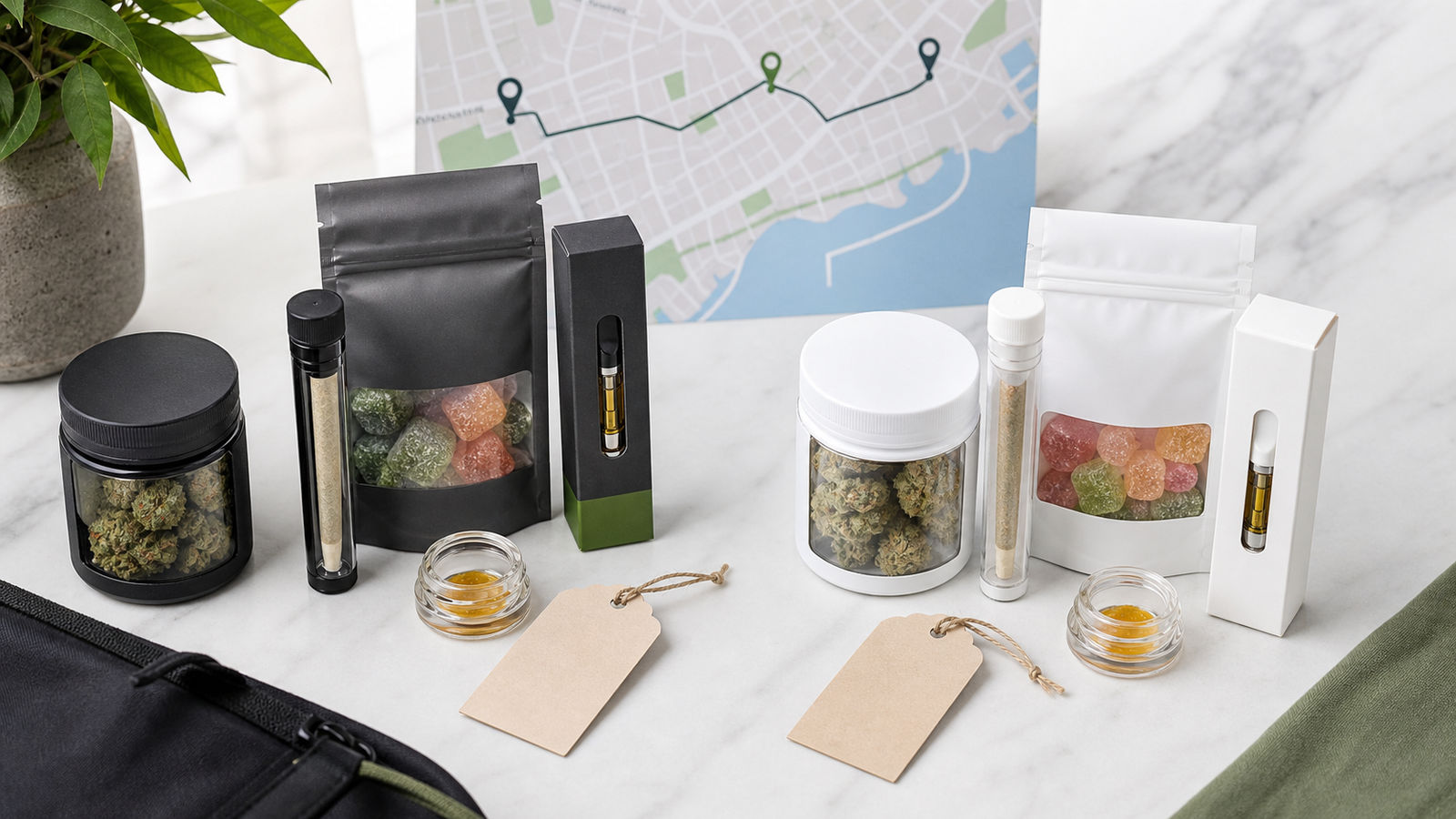
How to Compare Cannabis Deals by Actual Cart Value
You're checking a GTA delivery cart. One offer looks bigger, another looks simpler, and the cheapest-looking deal is not automatically the better value. To compare cannabis deal value, judge the final cart total, confirm the discount actually appears, compare unit price only after the cart price is visible, and remove any item you would not have chosen without the promotion. The goal is a cart you can explain in one sentence: the total is clear, the products fit, and the deal made the order easier to choose.
- Use the final cart total as the decision point, not the headline percentage.
- Count a promotion as real only when the cart shows how it applies.
- Compare unit price after the final cart price and product amount are both clear.
- Count free-delivery progress as value only when the added product already fits the order.
- The best deal leaves you with a simpler cart, not a bigger explanation problem.
Separate percentage savings from total cart value
Start with total cart value because a percentage only explains the discount, not the decision. A promotion can show a strong saving and still leave you with a cart that costs more than planned, includes products you did not want, or hides the amount you are really comparing.
The clean question is not, "Which offer looks biggest?" It is, "What do I pay, what do I receive, and would I still want these items without the promotion?" That question separates real value from deal theatre. It keeps the promotion connected to the order you meant to build.
After that first answer, use the live Deals category as the current browsing path. The category owns the active offer list; this article explains how to read the cart value once a deal catches your eye.
This is why the article begins with the cart rather than the promotion. Once the full cart is visible, value becomes a practical comparison: final total, useful products, clear quantities, and one next step.
Check whether the deal applies automatically
Next, confirm how the deal appears in the cart. Some offers may show through sale pricing on the product page, some may appear as a cart adjustment, and some may require the right eligible items before anything changes. Because offer mechanics can vary, the live cart is the source of truth.
Read the cart in a fixed order: product names, quantities, subtotal, visible discount or sale behavior, delivery charges if shown, and final total. If the discount you expected is not visible, pause before continuing. You cannot compare actual cart value from memory or from a banner alone.

This step also prevents duplicate-item mistakes. If you add one product to trigger a deal and then add a similar item because the discount did not appear, the cart may become confusing for a reason that has nothing to do with value.
Once the cart behavior is confirmed, the rest of the comparison is grounded. You are using the price the cart actually shows, not the price you expected to see.
Compare unit price after the discount
Compare unit price after the discount, not before it. Unit price is useful when the product page provides enough information, but it can mislead if you use the regular price while the cart is applying a promotion, or if you compare different package sizes without naming the amount first.
Use a two-pass method. First, confirm the amount, package size, unit count, or bundle contents on the product page. Second, divide the final discounted price by that amount only when the amount is clear. If the item is a bundle, compare the bundle as a bundle; do not pretend it is identical to a single product listing.
| Comparison step | What to read | Why it matters |
|---|---|---|
| 1. Product amount | Package size, unit count, bundle size, or product-page amount. | Value math is meaningless without the amount. |
| 2. Cart price | The price after visible sale or discount behavior is applied. | The live cart is the practical shopping proof. |
| 3. Fit check | Whether the item still belongs in the order. | A lower unit price is not useful if the product is unwanted. |
Unit price can answer one question: value for the amount shown. It cannot answer whether the product belongs in the order. Read the amount, read the cart price, then decide whether the item earns its place.
The strongest value comparison is deliberately plain. It is slow enough to avoid bad math, but simple enough to use while shopping.
Consider the free-delivery threshold
Free-delivery progress belongs in the value comparison only after the product choice is already sensible. If the cart is close to a displayed threshold, adding one useful item can make sense. Adding an unwanted item only to move a progress bar can turn a deal into a larger, less focused order.
Keep the threshold qualitative unless the live cart shows a current number. The site, cart, or checkout screen should be the source for any active threshold shown to shoppers. This guide teaches the decision rule without freezing a number that may change later.
Use the cart page for the final threshold read, then compare the result with the current deals page if you are choosing between offer paths.
The key idea is simple: delivery progress can improve a cart that was already close to right. It should not justify a cart that became messy just to chase the progress.
Avoid buying unwanted products for a discount
The most common deal mistake is treating an unwanted product as free value. If the extra item would not have made your shortlist on its own, it needs a much stronger reason to stay in the cart.
Use the remove-and-review test. Temporarily imagine the extra product is gone. Does the cart become clearer, cheaper, and closer to the original order? If yes, the discount may be doing more persuasion than useful work. If no, the product probably has a real role.
Bundles deserve the same discipline. A related guide on building a mix-and-match cannabis bundle explains how to give each slot a job. For deal comparison, the lesson is similar: every product in the cart should have a reason beyond unlocking a lower-looking total.
This section protects against a subtle cost: decision clutter. A deal that fills the cart with low-commitment extras can make the final order harder to review, even when the savings line looks appealing.
Deal comparison scorecard
Use this scorecard at the end, not the beginning. By now, the cart total, discount behavior, unit-price context, threshold effect, and product fit should all be visible enough to judge without guessing.
A deal passes when most of those checks are clear. It does not need to feel dramatic. The best cart-value decision often feels calmer after the scorecard because you can see exactly what the promotion changed.
If two offers still look close, choose the one with fewer assumptions: clearer quantities, clearer cart behavior, fewer unwanted extras, and a final total you understand. Continue to the shop page only if you genuinely need another comparison path.
The next step is to open the live deals category, build one candidate cart, and score it before adding more. If the scorecard makes the cart clearer, the deal is helping. If it makes the cart noisy, simplify before checkout.
FAQs
What is the quickest way to compare cannabis deal value?
Compare the final cart total, visible discount behavior, product amounts, and whether each item is something you actually wanted before the promotion appeared. If any of those pieces are unclear, slow down before adding more.
Should I choose the highest percentage discount?
Not automatically. A larger percentage can still create a weaker cart if it adds unwanted products, unclear quantities, or a higher final total than planned. The better deal is the one that improves the cart you actually want.
When should I calculate unit price?
Calculate unit price after the discount is visible and only when the product amount or package size is clear on the product page. If the amount is unclear, use fit and final cart total instead of forcing shaky math.
Can a free-delivery threshold make a deal better?
It can, but only when the added item already belongs in the order. If the item exists only to chase the threshold, the cart may be less useful even when the checkout progress looks better.
What should I do when a deal does not appear in the cart?
Pause and reread the product page and cart. Do not rely on a discount that is not visible in the current cart state, and avoid adding duplicate items just to force a result.
How is this different from the deals category page?
The deals category owns the live offers. This guide explains how to judge a candidate cart after an offer catches your attention, so it supports the money page without trying to replace it.
Sources used
Open the live deals category, build one candidate cart, and score it before adding more. If the scorecard makes the cart clearer, the deal is helping; if it makes the cart noisy, simplify before checkout.






Add comment
You must be logged in to post a comment.