
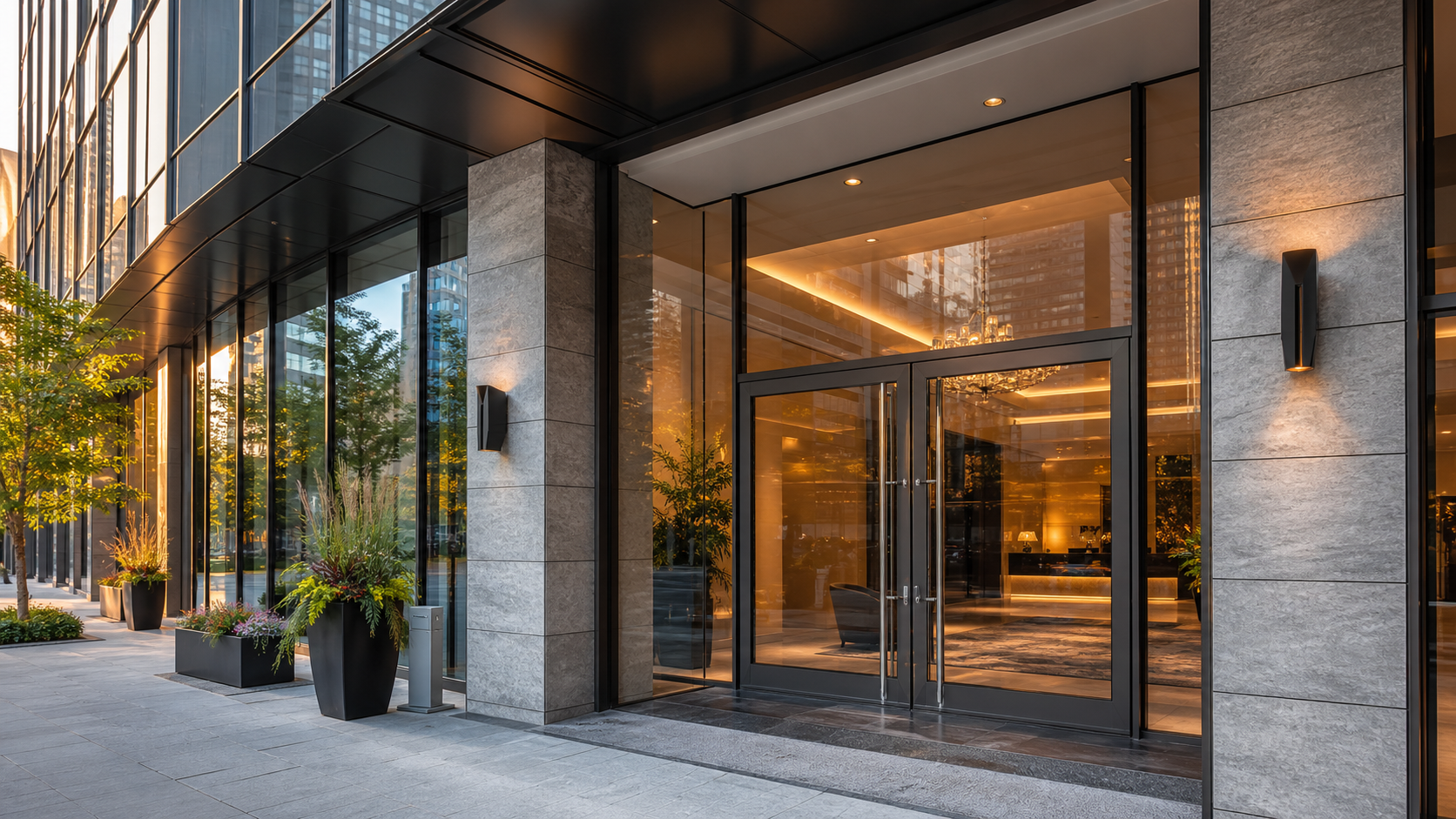
You are checking out from a Toronto condo, the cart is ready, and the only empty box left is the delivery note. That small box can decide whether the handoff is simple or filled with avoidable messages about buzzers, elevators, visitor parking, or which lobby door to use. Clear Toronto condo delivery instructions are short, complete, and specific: unit, buzzer or concierge path, lobby or entrance note, parking cue if needed, and a phone you can answer. This guide gives you the exact checklist and copy-ready examples so the order details make sense before you submit.
Read it once before checkout, while you can still fix an old autofill address, missing unit number, or phone number that no longer rings.
- Condo instructions should reduce decisions, not add new ones.
- Put fixed destination facts in the address fields, then use the note for access and handoff details.
- The most useful notes cover unit, buzzer or concierge, entrance, parking cue, and contact availability.
- Short notes work better than long notes because they are easier to scan during handoff.
- Keep product choices in the cart and delivery instructions in the order note.
Why condo deliveries need complete instructions
Condo delivery instructions matter because a condo address rarely explains the handoff by itself. A street address may point to the right building, but it does not explain the unit, buzzer path, lobby rules, concierge desk, visitor parking, elevator access, or which entrance actually works.
A complete note does not mean a long note. It means the next practical question is already answered. If the building has one obvious lobby and concierge handles visitors, say that. If the tower has several doors on a busy downtown block, name the entrance. If the buzzer rings a phone you will not answer, the instruction looks complete but fails at the exact moment it is needed.
After that first answer, you can use the Toronto delivery page for the city service path. This article stays narrower on purpose: it helps you write the handoff details after you already know the order is for a Toronto condo.
The five details that make a condo note usable
A strong note is not long. It gives the person handling the order enough information to find the right path without guessing.
Exactly what to enter in the address fields
The address fields should hold the facts that identify the destination. Put the building number, street, unit or suite, city, and phone number in the structured fields instead of hiding them inside a note. The note is for access details; the address fields are where the destination belongs.
For Toronto condos, use the unit number as part of the address, not an optional extra. If autofill leaves it out, add it before you review the cart. If you moved recently, check that the phone and address did not come from an older browser profile. These mistakes look small on screen, but they create several possible destinations in real life.
Use the order note for information that does not fit neatly into the address form: buzzer code, lobby instruction, entrance choice, concierge instruction, or pickup cue. If you are comparing products before checkout, keep that work separate. For browsing, use live site paths such as current deals and bundles or a relevant category; for access, use the note.
Buzzer, concierge, lobby, and parking details
Buzzer, concierge, lobby, and parking notes should describe the handoff route in the order someone will use it. Start with access, then meeting point, then any parking clue. That sequence mirrors the real problem: get into the building or reach the customer, find the right waiting point, then avoid circling or stopping in the wrong place.
A buzzer note should include the code and the name or phone connection it reaches when that is useful. A concierge note should say whether concierge can call you, whether you will meet in the lobby, or whether the visitor should wait outside. A lobby note should name the lobby if there are multiple towers, podium entrances, retail entrances, or street corners nearby.
Parking details should be brief. You do not need to map the whole garage. Say visitor parking, loading zone, lobby pull-in, side street, or no reliable parking only when that detail helps the handoff. If there is no helpful parking instruction, leave it out and focus on where you will meet.
How to stay reachable without watching the phone constantly
You do not need to stare at your phone after checkout. You do need one reachable contact path if a building detail is unclear. A reachable phone turns a small question into a short answer. An unreachable phone turns the same question into a delay.
Use one contact path and keep it consistent. If the checkout phone is your mobile, keep it nearby for the delivery window. If the buzzer rings through a different number, mention it in the note. If your building blocks unknown calls or silences notifications, check that before you submit.
Contact availability matters in dense Toronto buildings because practical details can change: concierge shift, lobby access, elevator access, temporary construction doors, or visitor parking. Your note should handle the predictable details. Your phone is there for the one detail that does not match the plan.
Common condo delivery mistakes
The most common mistakes are ordinary checkout habits that work badly in multi-unit buildings. The fix is to slow down for one minute before payment and check the details that a building address does not automatically explain.
Another mistake is mixing product requests into access notes. If you want pre-roll options, choose them in the cart. If you want a building note attached to the order, write that in the note. Separating the two keeps both easier to review.
Copy-and-paste instruction examples
Use these examples as starting points, then change them to match the real building. The useful version is the truthful version, so do not copy a buzzer, entrance, or parking line unless it applies to this order today.
Unit 1208. Buzz 1442. I will meet in the main lobby.Unit 2305. Please ask concierge to call me. I will come down to the lobby.Unit 710. Use the main lobby entrance on King Street, not the retail entrance.Unit 515. Visitor parking is beside the lobby pull-in. Call when outside.Unit 902. No buzzer access. I will meet at the main lobby doors when you arrive.The clearest example is the one that removes the next question. If your note explains the exact access path in one or two lines, it is doing its job.
FAQs
What should I put in condo delivery instructions?
Include the suite or unit number, buzzer code, lobby or concierge note, entrance detail, and a reachable phone number. Keep the note short enough to scan quickly.
Should I include my buzzer code?
If your building uses a buzzer for visitor access, include the code or a clear instruction for how to reach you. If concierge controls access, explain that instead.
What if my condo has more than one entrance?
Name the entrance that makes the handoff simplest, such as main lobby, north entrance, visitor parking door, or loading-area door. Avoid vague notes like front door when there are several public doors.
How reachable do I need to be after ordering?
You do not need to stare at the phone, but keep it nearby and audible enough to answer a quick clarification. A missed call can turn a simple access question into extra back-and-forth.
Can I use the same note for every condo order?
Use a saved note as a starting point, then update it when the buzzer, concierge rules, entrance, parking, or phone number changes. Old autofill details are one of the easiest mistakes to miss.
What if concierge controls visitor access?
Write the concierge path instead of a buzzer path. For example, say whether concierge should call you, whether you will come down, or whether the visitor should wait at the main desk.
Should delivery notes include product requests?
No. Use delivery notes for access and handoff details. Product choices belong in the cart and product options, where they can be reviewed before checkout.
Before placing the order, read your delivery note out loud once. If a stranger could understand the entrance, buzzer or concierge path, meeting point, and contact number without asking a second question, the note is ready. Then keep the checkout phone reachable until the handoff is done.





Add comment
You must be logged in to post a comment.