
Common Cannabis Delivery Checkout Mistakes and How to Prevent Them
You are reviewing a cannabis delivery cart on your phone, close enough to ordering that the last screen can feel like a formality. That is when small checkout mistakes usually happen: an incomplete cart, a missing unit number, an outdated coupon assumption, or a final total that changed after an edit. The simplest prevention is a fixed order of review: cart contents, destination and phone details, discount behavior, stock changes, fees, then one final two-minute check before placing the order.
- Checkout review works best in sequence: cart, address, phone, discounts, stock, fees, then final total.
- A complete cart means the item, quantity, package, and format still match the order you meant to place.
- Unit numbers, buzzer notes, city names, and reachable phone numbers matter because they make any needed clarification easier.
- Coupons and rewards should be checked against visible cart behavior, not memory from a previous visit.
- The final total deserves one last look after every cart, coupon, or delivery detail has been entered.
Starting checkout with an incomplete cart
An incomplete cart is the first mistake because every later checkout detail inherits the cart's errors. Before you think about delivery notes or discounts, confirm the cart still contains the products, quantities, and formats you meant to choose.
This sounds obvious until you remember how people shop. A shopper opens a product page, compares sizes, adds one item, removes another, checks Deals, then returns to checkout after a distraction. By then, the cart may still look familiar while one quantity, format, or package choice is no longer what they intended.
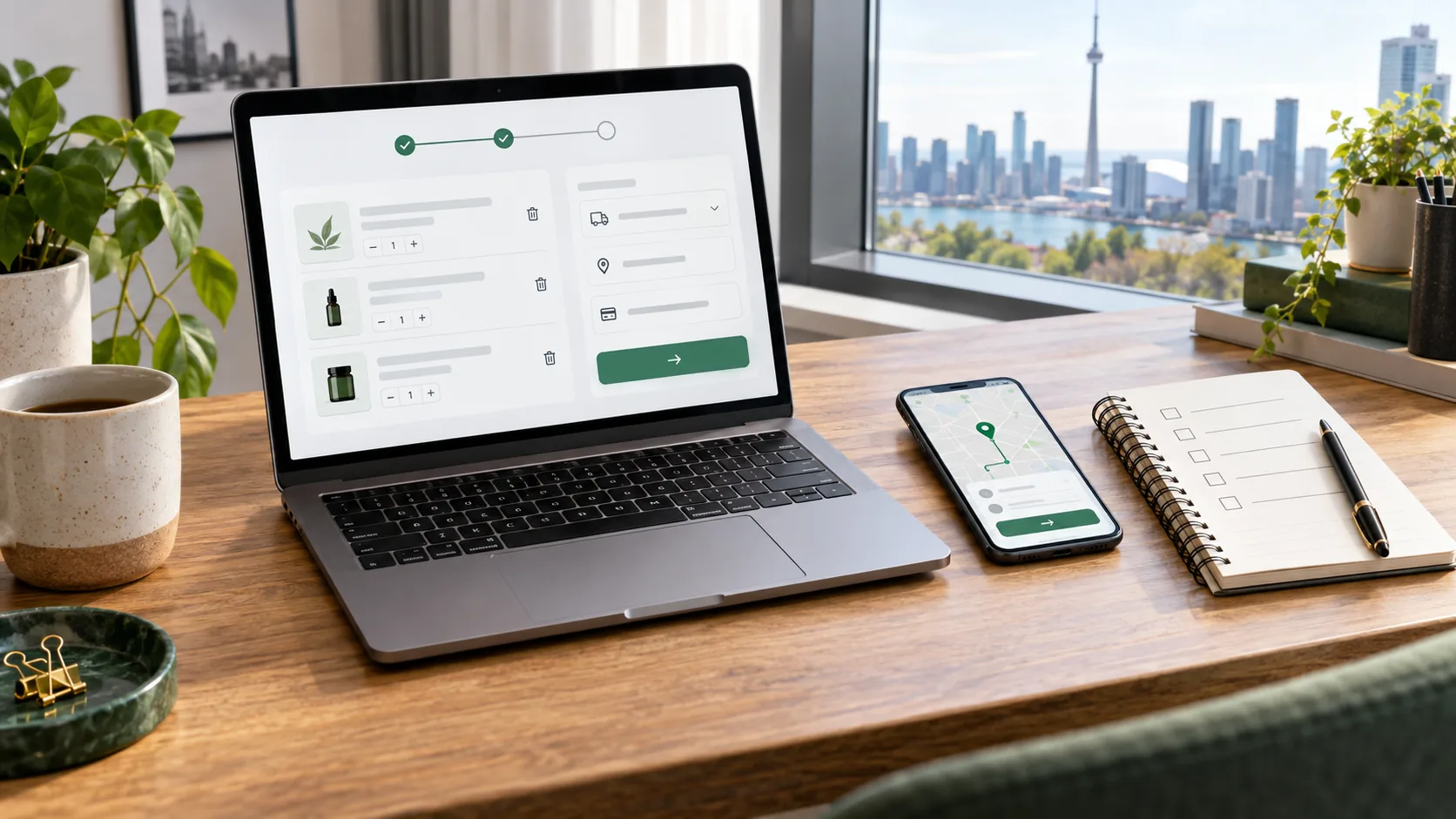
Use the cart as a decision page, not just a holding area. After the first review, view the cart + checkout and confirm each line before moving forward. The useful question is not only "is something in the cart?" but "does this cart still match the order I meant to build?"
If one line feels uncertain, fix that before continuing. A coupon, address, or final fee cannot make an unclear cart clearer. Once the cart is clean, the next preventable mistake is the one that affects where and how the order can reach you.
Entering the wrong city, unit, or phone number
Wrong city, unit, or phone details create friction because checkout information is not only paperwork. It is the set of clues that connects the order to the right destination and gives the store a way to clarify details if something needs attention.
For GTA delivery shoppers, the address problem is often not the street number. It is the missing layer: condo tower, unit, buzzer, lobby instruction, building entrance, or city selection that does not match the actual destination. A small mismatch can make an otherwise simple order harder to coordinate.
Treat the phone number as part of the delivery instructions, not an afterthought. If the store needs to clarify an order detail, a reachable number keeps the problem small. If the number is old, mistyped, or unreachable, the rest of the checkout can be perfect and still feel messy.
This is where practical local context helps more than generic checkout advice. If you are ordering for a condo in North York, a house in Brampton, or an apartment in Mississauga, the useful details are not identical. The point is to give enough information for this delivery, not to write a long note.
After contact details are clear, the next common mistake is assuming a deal, coupon, or reward will behave the way it did last time.
Missing coupon or rewards conditions
Coupon and rewards mistakes happen when shoppers remember the offer but do not verify the condition. The checkout question is simple: does the cart visibly show the discount or reward behavior you expect right now?
Do not rely on memory from a previous order, a screenshot, or a deal you saw earlier. WooCommerce coupon settings can include coupon type, usage restrictions, and usage limits, so the shopper-facing test is simple: does the current cart visibly show the discount or reward behavior you expect? This article should not invent exact conditions; the live cart is where the condition either appears or does not.
A better habit is to check the relevant offer path before checkout. If you are comparing current promotions, use the Deals page as the browsing source, then return to the cart to confirm whether the discount is actually reflected. If you are using account-based points or perks, review the live Rewards page and then confirm what the cart shows.
| What you expect | What to verify | Why it matters |
|---|---|---|
| A coupon applies | The cart shows the accepted code and changed total. | A typed code is not the same as a reflected discount. |
| A deal is active | The eligible product mix is still in the cart. | Removing or changing one item can change the cart result. |
| Rewards are available | The account/cart shows the current reward behavior. | Reward assumptions should match the current checkout state. |
This section is not about chasing every discount. It is about making sure the order you submit matches the deal logic you believe you are using. Once the cart and discount behavior match, stock and product availability need the same final look.
Ignoring stock changes or substitutions
Stock changes matter because a cart is only useful if the items in it are still available and still the items you want. If checkout shows a quantity change, unavailable item, or any prompt to adjust the cart, pause and make the decision deliberately.
The mistake is not that stock can change. The mistake is treating a changed cart like the same cart. If an item becomes unavailable, if a quantity is reduced, or if an alternative appears during the ordering process, pause and decide whether the revised cart still fits the original plan.
Do not let a replacement decision become automatic. Compare the format, package, price, and cart role again. A similar product can still be a poor fit if it changes the category, amount, or reason you built the order.

If you want a quick refresher on reading product details before you add an item, the guide on clear cannabis product descriptions pairs well with this checkout review. Product clarity before checkout prevents confusion inside checkout.
Once stock and item choices are steady, the final money check becomes meaningful.
Not reviewing the final fee and total
The final fee and total should be reviewed last because the total can change after product edits, delivery details, coupons, rewards, and cart adjustments. A total checked too early is only a draft.
Read the final total slowly after the cart is complete. Look at item subtotal, visible discount behavior, delivery or service-related lines shown by checkout, tax or other visible charges where displayed, and the final amount. The goal is not to memorize every label. The goal is to notice whether the number matches the order you meant to place.
This is also where cart value and order size decisions meet. If you changed the cart to make a coupon work, added a product because it was suggested, or adjusted quantity after a stock notice, the final total answers the most practical question: do you still want this order as it now stands?
For value-focused decisions, the article on comparing cannabis deals by actual cart value goes deeper on reading the cart as a complete value decision. In checkout, keep the job narrower: confirm the total after all changes, not before.
When the total passes that review, the last section turns everything into a two-minute habit.
Two-minute checkout checklist
A two-minute checkout checklist prevents most small mistakes because it gives the final screen a repeatable order. You are not trying to reread the whole store. You are confirming the few details that can change the order after you have already chosen products.

If every line passes, checkout can stay simple. If one line fails, fix that line instead of rushing past it. The useful next step is calm: review the cart once, correct the specific detail, and place the order only when the final screen matches your intention.
FAQs
What is the most common cannabis delivery checkout mistake?
The most common pattern is rushing past a small detail: a wrong unit number, outdated phone number, changed cart item, coupon assumption, or final total that was not reviewed after edits.
When should I check my coupon or rewards details?
Check them after the cart contents are final and before placing the order. The important point is whether the current cart visibly reflects the coupon or reward behavior you expect.
Why does my city or unit number matter so much?
City, unit, buzzer, and phone details help connect the order to the correct destination and make it easier to clarify practical delivery questions if they come up.
Should I accept a substitute automatically?
No. If an alternative or cart change appears, compare it again for format, package, price, and fit. Treat the revised cart as a new decision, not the same order.
How long should checkout review take?
A focused review can take about two minutes: cart lines, address, phone number, discounts, stock or changes, and final total.
Can I use this checklist on mobile?
Yes. The checklist is intentionally short so it works on a phone before you place the order.
Sources used
- WooCommerce Store API documentation, retrieved 2026-10-12, used for general cart, coupon, and checkout endpoint context.
- WooCommerce coupon management documentation, retrieved 2026-10-12, used for coupon-type, usage-restriction, and usage-limit context.
- Cannabis Delivery GTA cart + checkout, retrieved 2026-10-12, used as the supported money-page path.
- Cannabis Delivery GTA Deals page and Rewards page, retrieved 2026-10-12, used as internal offer-review paths.
Open the cart, run the two-minute checklist, and fix the one detail that feels uncertain before placing the order.





Add comment
You must be logged in to post a comment.